
4.5 Share Hub
Share Hub:
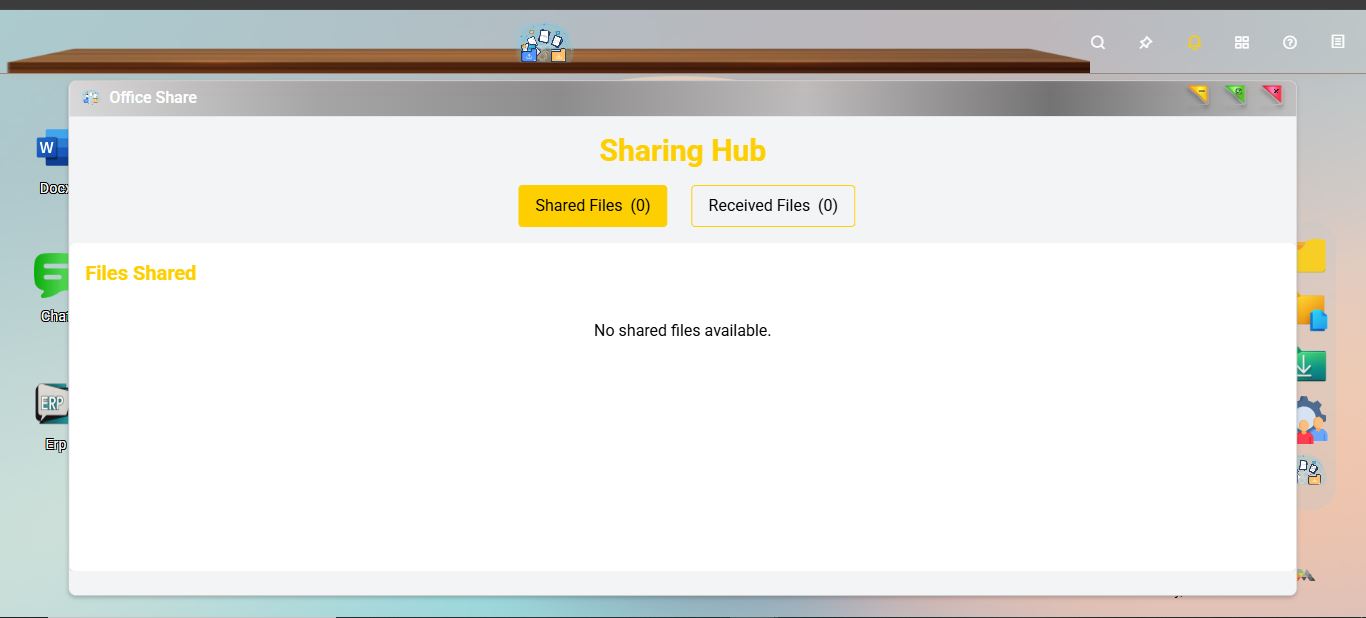
- Sharing – Section where users manage all the files they have shared with others.
- Shared Documents – Text-based files like Word, PDF, and Excel shared for collaboration or reference.
- Shared Media – Includes images, videos, and audio files shared for visual or promotional use.
- Project Files – Organized collections of files related to specific internal or client projects.
- Temporary Uploads – Files shared temporarily for quick reviews or short-term use.
Received – Section for managing all files received from other users or external sources.
- From Team – Files sent by internal team members for collaboration or updates.
- From Clients – External documents or assets received from clients or partners.
- Downloads – A collection of files downloaded from the platform for local use.
- Archived Items – Older or completed files stored safely for record-keeping or future reference.
Users can optionally secure the shared item with a password, ensuring controlled access. Under Advanced Settings, users can assign permissions—View, Edit, or Download—to specific groups or teams. This allows fine-grained control over how shared content is accessed and used.

Share Hub Pop-up
No Comments